




Creating a home office that is both cozy and functional can greatly improve your productivity and overall well-being while working from home. Whether you have a dedicated room or just a small corner, thoughtful design can make your workspace inviting and efficient. Here are some tips to help you create a home office space that feels comfortable and supports your work needs.
1. Choose the Right Location
Consider natural light
Select a spot in your home that gets plenty of natural light, if possible. Natural light helps reduce eye strain and improves mood, making it easier to focus during the day.
Minimize distractions
Try to find a quiet area away from high-traffic zones or noisy appliances. This will help you maintain concentration and create a boundary between work and home life.
2. Invest in Comfortable and Ergonomic Furniture
Desk and chair
Choose a desk that fits your workspace and needs. It should be large enough to hold your computer and any other essentials without feeling cluttered. An ergonomic chair with adjustable height and lumbar support is important to prevent discomfort during long hours.
Consider standing options
If possible, incorporate a sit-stand desk or a converter. Alternating between sitting and standing promotes better posture and circulation.
3. Optimize Storage and Organization
Use shelves and drawers
Keep your workspace tidy by adding shelves, filing cabinets, or drawer units. This helps store office supplies, documents, and personal items neatly and within reach.
Keep cables managed
Use cable organizers or clips to manage cords and prevent tangling. A clean desk free from cable clutter looks more inviting and helps focus.
4. Personalize Your Space Tastefully
Add plants
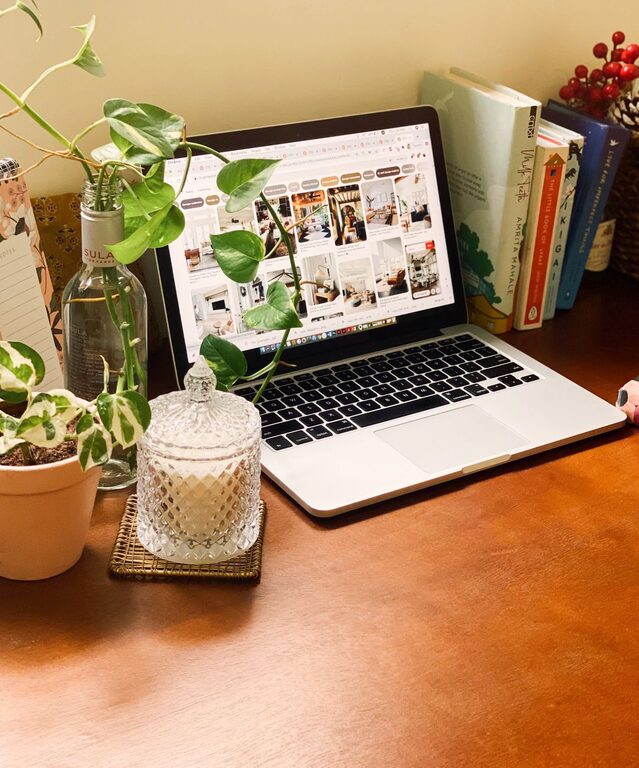
Indoor plants bring a touch of nature to your office. They improve air quality and create a calming atmosphere.
Display meaningful items
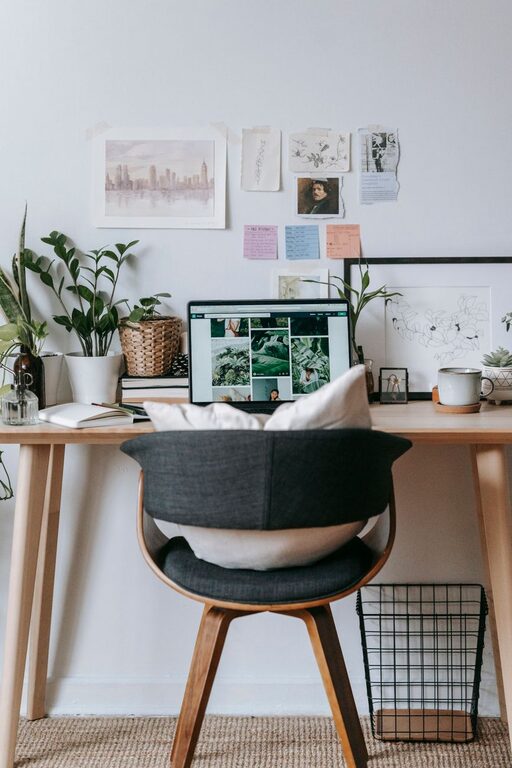
Include a few personal touches like photos, artwork, or motivational quotes. Be careful not to overcrowd your desk, as too many items can be distracting.
5. Pay Attention to Lighting
Combine ambient and task lighting
Use a combination of overhead lighting and task lamps to make sure your workspace is well-lit. Adjustable desk lamps are especially valuable for focused tasks like reading or writing.
Avoid glare
Position your computer screen away from direct sunlight or use blinds to reduce glare on your screen.
6. Create Zones for Different Tasks
If your space allows, designate areas for various activities such as computer work, reading, or brainstorming. Using different zones can help your mind switch between tasks and stay organized.
7. Maintain a Comfortable Temperature and Air Quality
Work in a space with good ventilation and comfortable temperature settings. If needed, use fans or heaters to create an environment where you can stay focused without distraction from discomfort.
8. Incorporate Technology Thoughtfully
Choose technology that supports productivity without overwhelming your space. Wireless keyboards and mice reduce cable clutter, and a good-quality headset can help during virtual meetings.
9. Establish Clear Boundaries
For those sharing a home with family or roommates, setting physical and mental boundaries around your workspace can help with focus. Use screens or partitions if necessary.
Conclusion
Designing a cozy and functional home office is about balancing comfort with practicality. By selecting the right location, investing in ergonomic furniture, organizing thoughtfully, and personalizing your workspace, you can create a place that enhances your productivity and makes working from home enjoyable. Remember, small changes can have a big impact on your daily routine—start with one tip and gradually build a space that works best for you.